Live blogging from where the story is.
The live blog runs on your site. The app is the part your editors take with them: write an update on your phone and it is with your readers in seconds.


Free to download and included in every plan. Sign in with your Livetickr account.
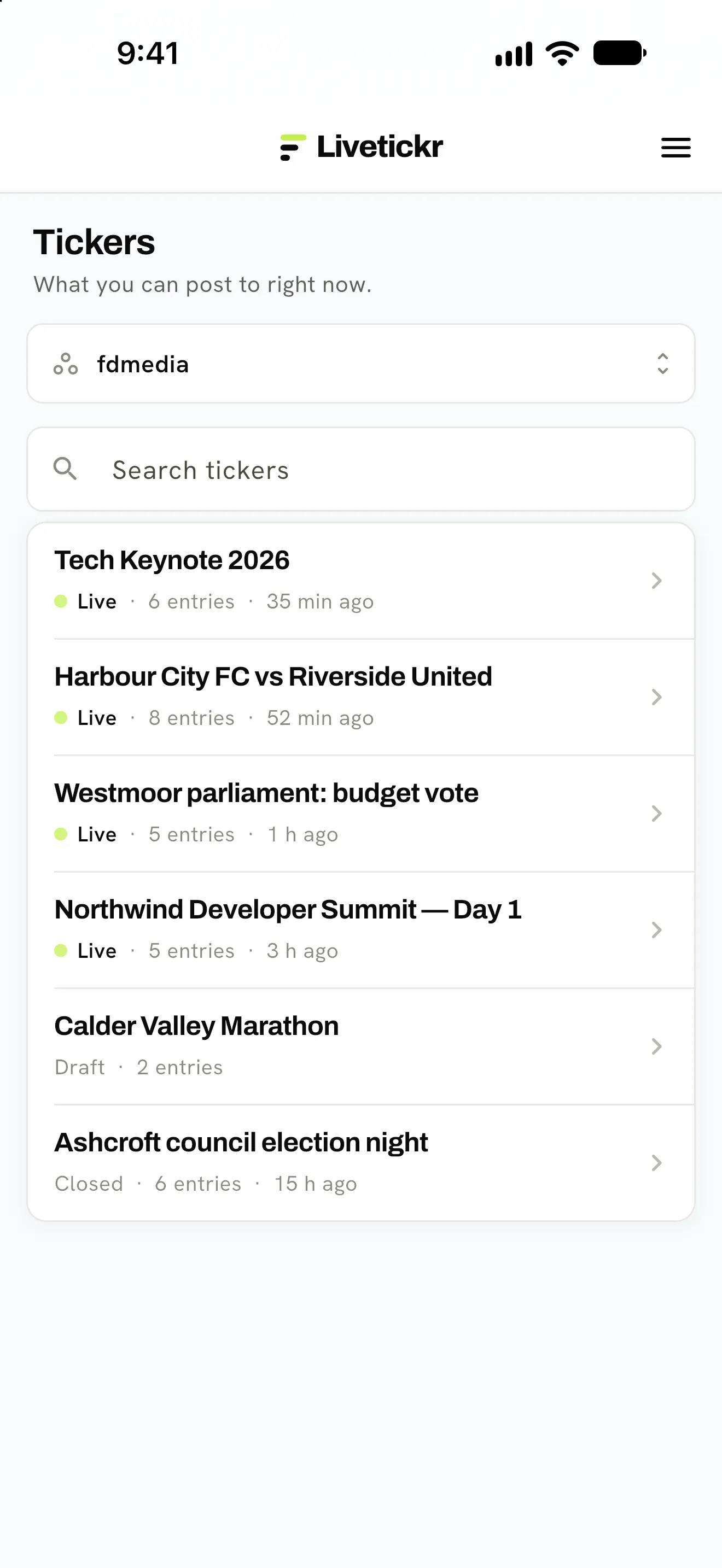
All tickers, the live ones first. 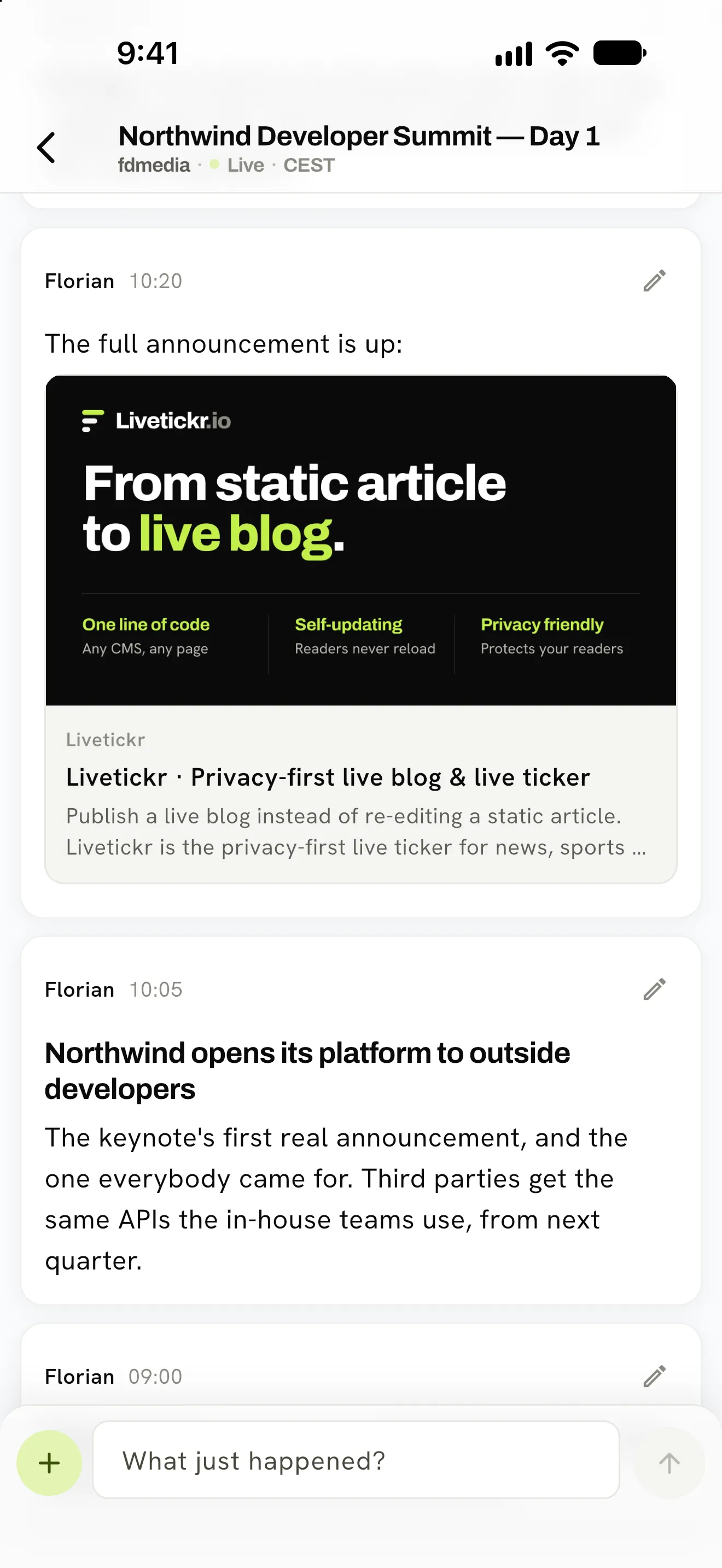
The ticker, entry by entry. 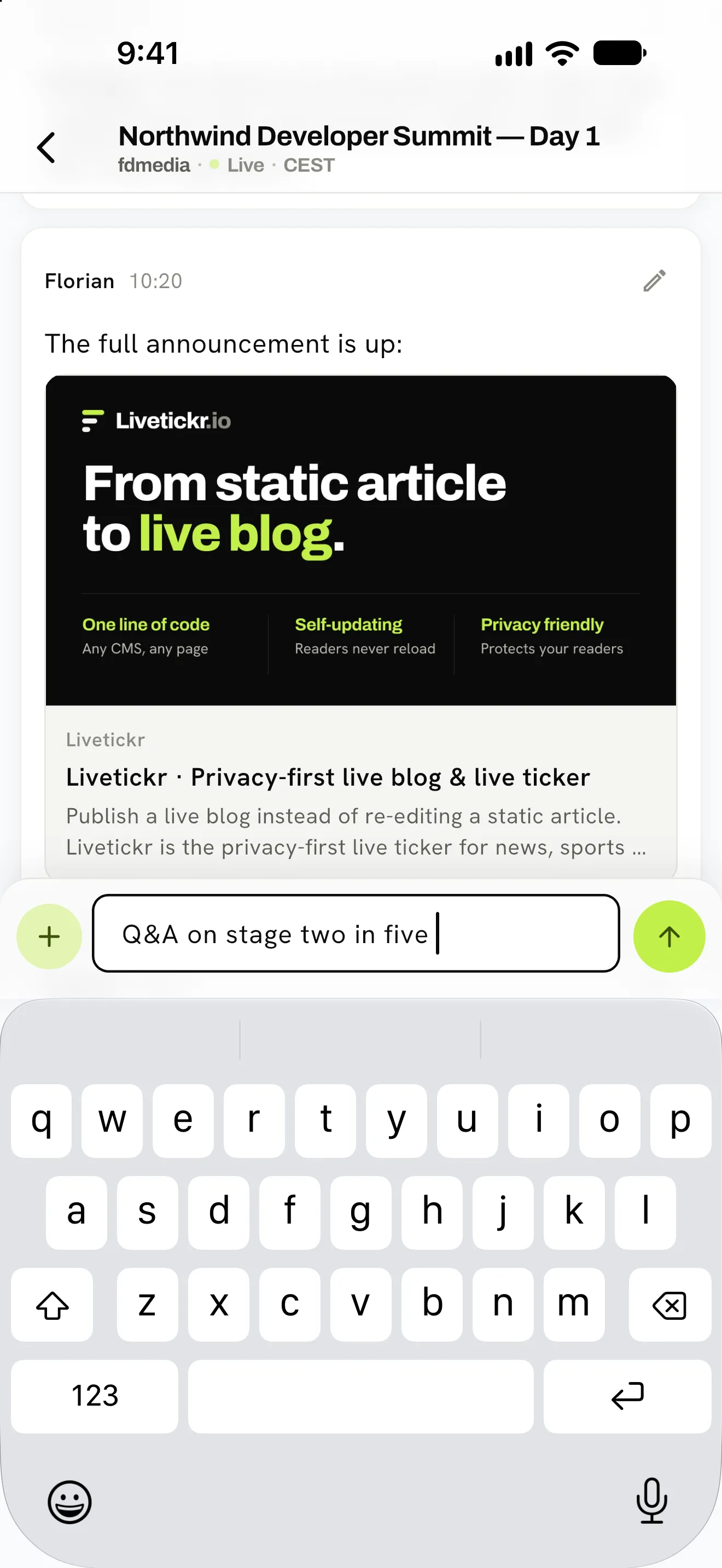
Type, send, done.
Built for the people who are actually there
Your team sets the ticker up in the dashboard. Whoever is at the event files from their phone.
Write, send, done
A goal, a result, a quote from the stage. Open the ticker, write what just happened, send. No dashboard to find your way around on a small screen.
All your team’s tickers
Grouped by workspace, live events first. If you write for more than one publisher, you switch between them without signing out.
Several editors, one ticker
One in the stand, one in the mixed zone, one at the desk. Everyone posts to the same ticker at the same time, and you can correct your own entries.
Pictures without the wait
Attach a photo from the camera or the library. It is scaled down on the phone before it is sent, and the alt text is one field away.
Works without signal
Every entry goes into a queue on the phone first. It is sent in the order you wrote it as soon as there is a connection and the app is open. Nothing is dropped quietly.
Your location stays yours
The app never asks for your location. A photo’s location data is removed before anything is published.
Ready in three steps
- 01
Install the app
From the App Store for iPhone and iPad (iOS 15 or later), or from Google Play for Android.
- 02
Sign in
With the account you use in the dashboard, two-factor authentication included. The app is in English and German.
- 03
Write
Tickers are created and embedded in the dashboard. Open one that is live and post your first update.
Try it on your next live event
On your own site, with real readers.
7 days counted from your first live ticker.
1 ticker live on your site, up to 10,000 pageviews.
Launch price locked in if you subscribe by 31 January 2027.
Start your free trial
Create your account, invite your team and build your first ticker. The clock only starts when it goes live.
Start your free trialNo credit card needed.
Questions first? Talk to us
Already have an account? Log in